Introduction
In this project we implement the image quilting algorithm for texture synthesis and transfer, as described in the SIGGRAPH 2001 paper by Efros and Freeman. Texture synthesis is the creation of a larger texture image from a small sample. Texture transfer is giving an object the appearance of having the same texture as a sample while preserving its basic shape. In this project we implement methods for both synthesis and transfer.
Randomly Sampled Texture
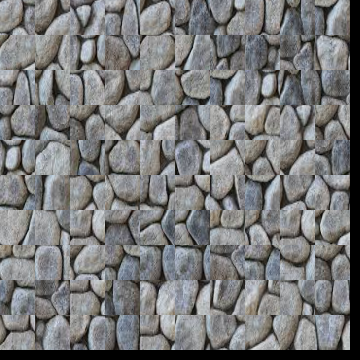
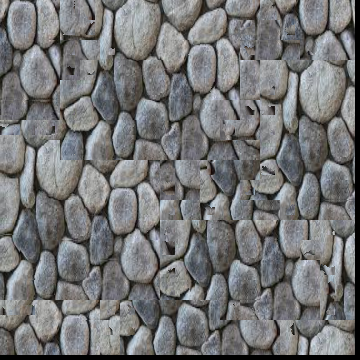
The "Randomly Sampled Texture" method synthesizes a texture by randomly extracting square patches from a given source image. The extracted patches are tiled onto a blank output image grid until the desired output size is filled. This approach is simple but can result in visible seams or black borders if patches do not fit perfectly within the output dimensions.
The examples below show the result of this method:
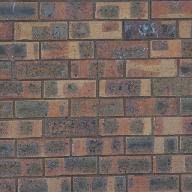
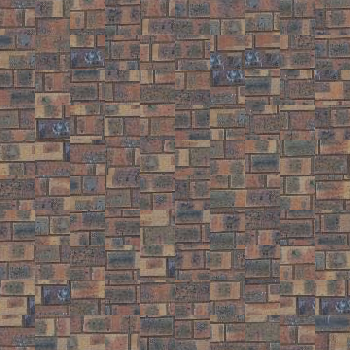
For this random sampled brick image, we use output_size = 350 and patch_size = 35.
Overlapping Patches
The "Overlapping Patches" method improves upon the random sampling method by ensuring continuity
across patch boundaries. This is achieved by overlapping patches and selecting patches based on the
sum of squared differences (SSD) between overlapping regions. The function
quilt_simple(sample, out_size, patch_size, overlap, tol) utilizes this strategy.
- Key Steps:
- Start with a random patch for the first grid cell.
- For subsequent patches, overlap new patches with existing ones and compute the SSD of the overlapping regions.
- Randomly select a patch with a low SSD score (determined by the tolerance) to ensure smoother transitions between patches.
- Copy the selected patch into the corresponding location in the output image.
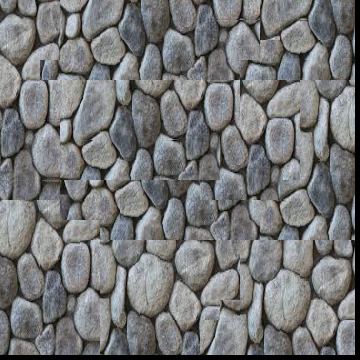
This method results in a coherent texture with fewer visible seams compared to random sampling.
The examples below show the result of this method:
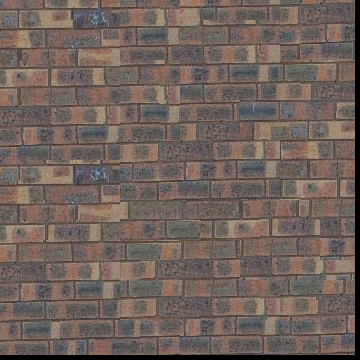
For this quilted brick image, we use out_size = 350, patch_size = 35, overlap = 15, tol = 2.
Seam Finding
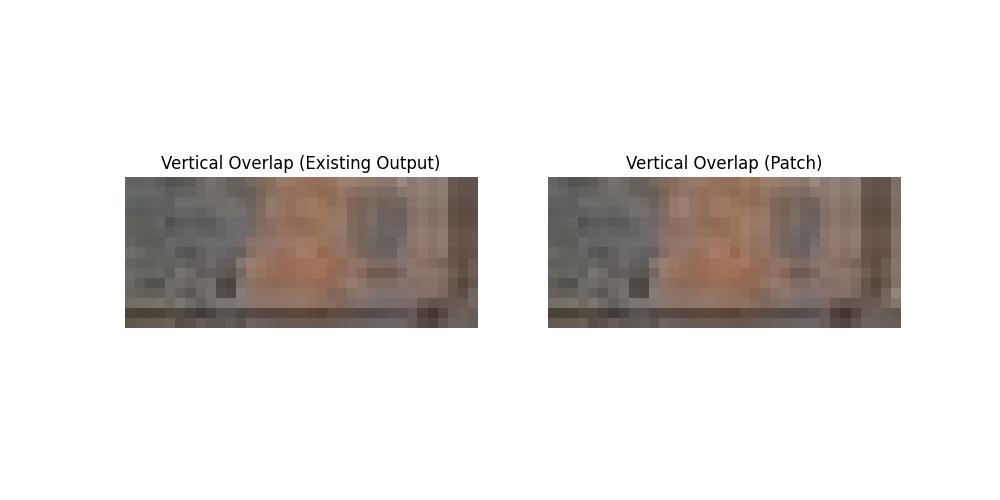
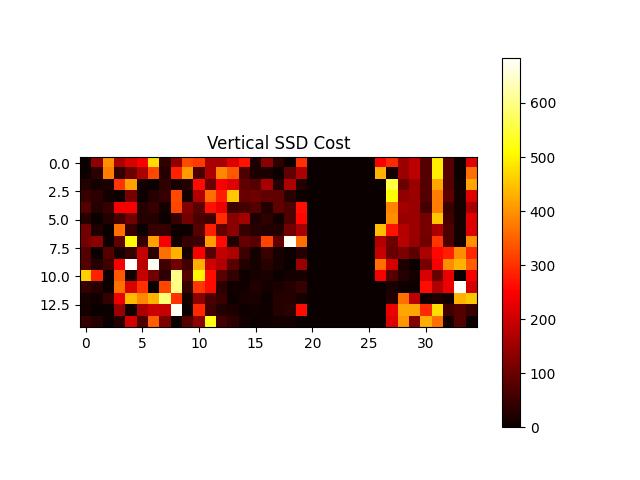
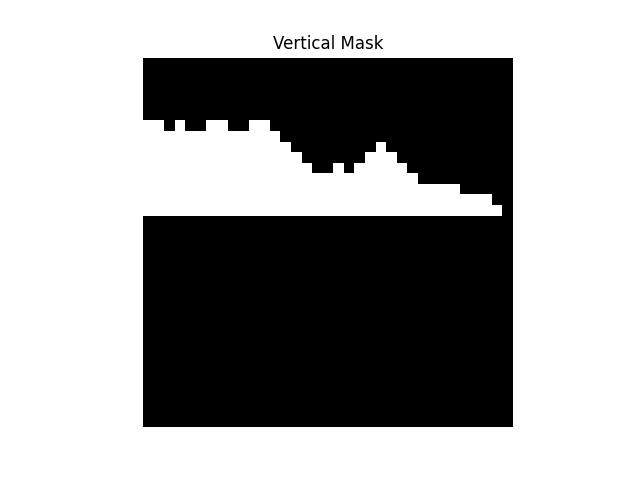
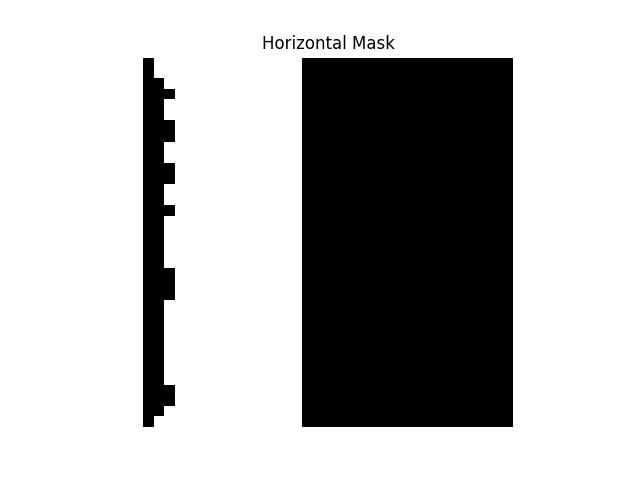
The "Seam Finding" method enhances texture synthesis by minimizing visible edges between overlapping
patches. By incorporating seam finding, this method calculates the optimal cut path through
overlapping regions, ensuring smoother transitions. The function
quilt_cut(sample, out_size, patch_size, overlap, tol) achieves this.
- Key Steps:
- Start with a random patch for the first grid cell.
- For subsequent patches, overlap them with existing ones and calculate the squared differences (SSD) for the overlapping regions.
- Use the
cutfunction to determine the optimal seam that minimizes edge artifacts for vertical and horizontal overlaps. - Blend the new patch with the existing texture along the computed seams to create a coherent image.
This method produces a more visually consistent texture compared to both the "Randomly Sampled Texture" and "Overlapping Patches" methods.
The examples below show the result of this method:
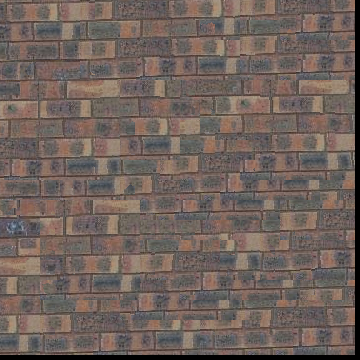
For this quilted brick image, we use out_size = 350, patch_size = 35, overlap = 15, tol = 2.
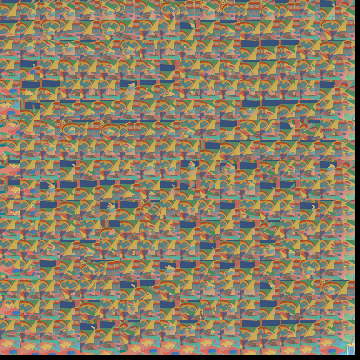
More Examples
Texture Transfer
The "Texture Transfer" method extends the texture synthesis process by incorporating a target image
to guide the overall appearance of the synthesized texture. The function
texture_transfer(sample, patch_size, overlap, tol, guidance_im, alpha) achieves this by
balancing between matching the guidance image and minimizing visible seams between patches.
- Key Steps:
- Start with a random patch for the first grid cell.
- For subsequent patches:
- Compute overlap costs using
ssd_patchto ensure continuity with existing texture. - Calculate guidance costs based on the difference between the patch and the corresponding region in the guidance image.
- Combine overlap and guidance costs, weighted by the parameter
alpha, to select the best patch.
- Compute overlap costs using
- Use seam finding (
cut) to minimize edge artifacts at overlapping regions.
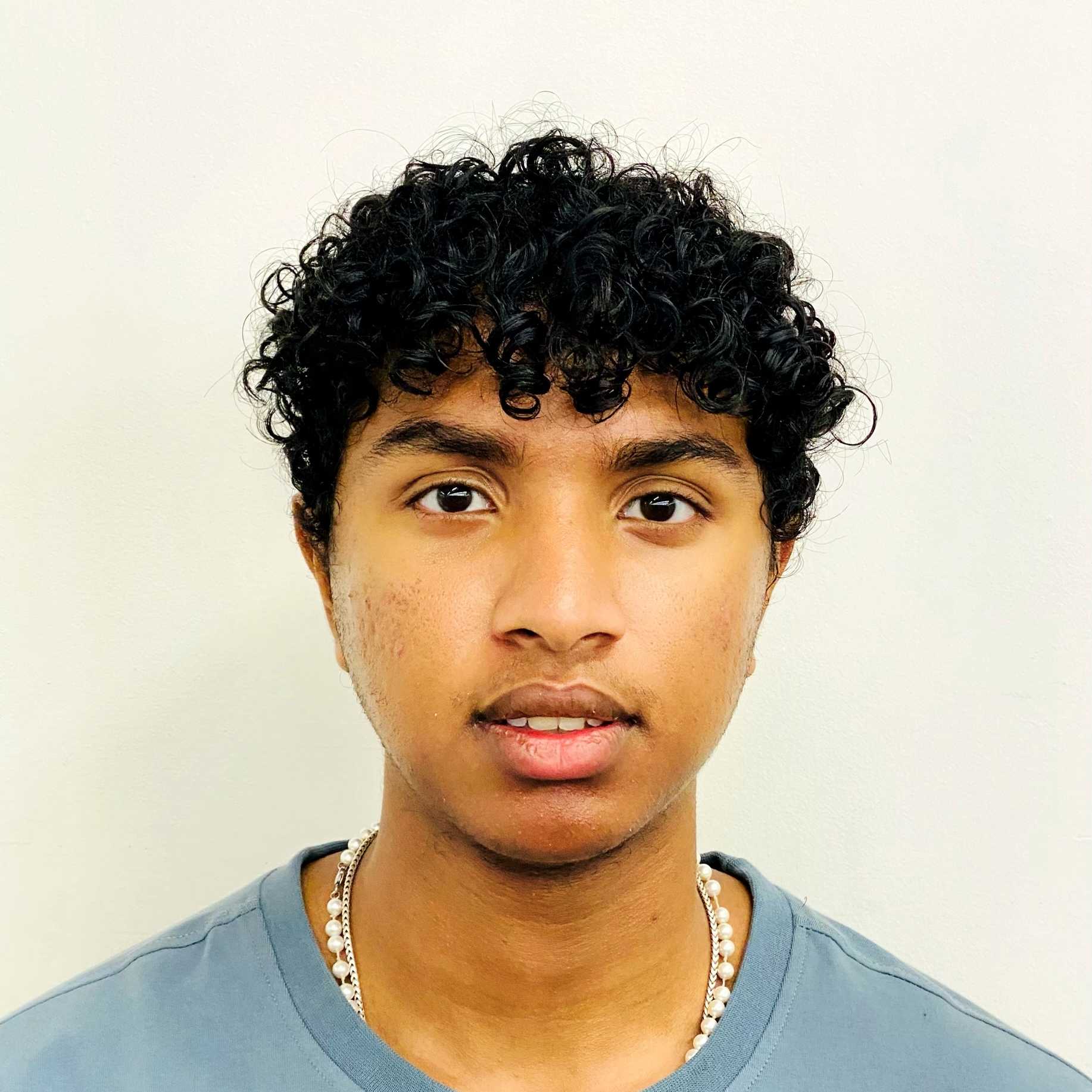
By integrating the guidance image, this method produces textures that retain the structural characteristics of the sample image while matching the visual style of the guidance image.
The examples below show the result of this method:
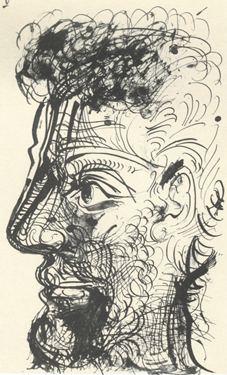
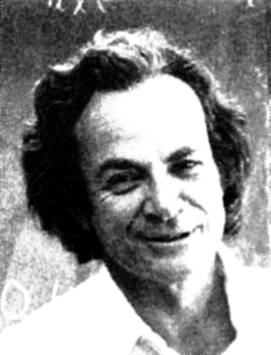
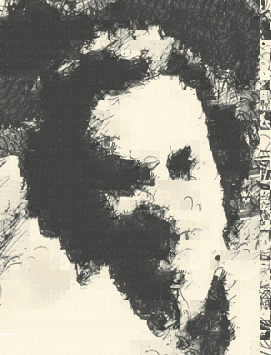
For this Feynman Texture Image, we use patch_size = 15, overlap = 5, tol = 1, alpha = 0.5.
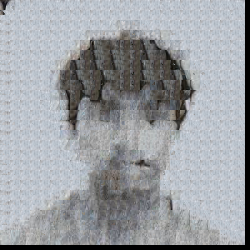
For this Pastel Sai image, we use patch_size = 15, overlap = 5, tol = 1, alpha = 0.8.
Bells & Whistles: Iterative Texture Transfer
The "Bells & Whistles" task extends the texture transfer technique by implementing an iterative
approach. The method refines the texture transfer over multiple iterations, progressively improving
the quality and resolution of the generated texture. The function
iterative_texture_transfer(sample, guidance_img, alpha, num_iterations, initial_patch_size, overlap, tol)
is used for this purpose.
- Key Steps:
- Initialize the output image as a blank canvas.
- Iterate over multiple scales:
- At each iteration, adjust the patch size to refine the texture details.
- Downsample the guidance image to match the scale of the current iteration.
- Resize the output image to align with the scaled guidance image.
- Perform texture transfer for the current resolution using the
texture_transferfunction.
This iterative method progressively improves texture alignment with the guidance image, creating higher quality results. It makes further improvements on the traditional texture transfer function.
The examples below show the result of this method:
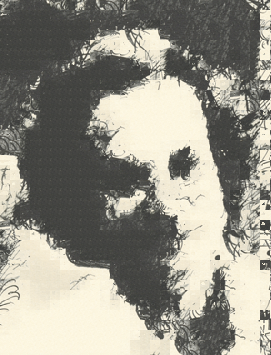
For the iterative texture transfer, we use alpha = 0.5, num_iterations = 3, initial_patch_size = 60, overlap = 5, tol = 1. As can be seen by the results the iterative method is more clear than the original method even though only 3 iterations were used. The nose and eye area is much more clear and random noise in the face is reduced.
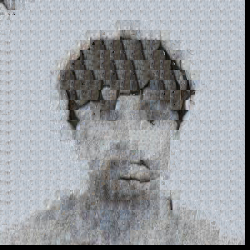
For the iterative texture transfer, we use alpha = 0.8, num_iterations = 3, initial_patch_size = 60, overlap = 5, tol = 1. As can be seen by the results the iterative method seems to capture the lines of the mouth better and the eyes and hair separation is a little bit better. We predict that more iterations will cause the results to be more robust. However, we were not able to experiment with this as the google colab kernel would die.